Windowsv1.2.1
Install notes
- Portable needs no install — download and double-click.
- The app is unsigned, so SmartScreen may warn once: click More info → Run anyway.
Free◆Open source◆No account
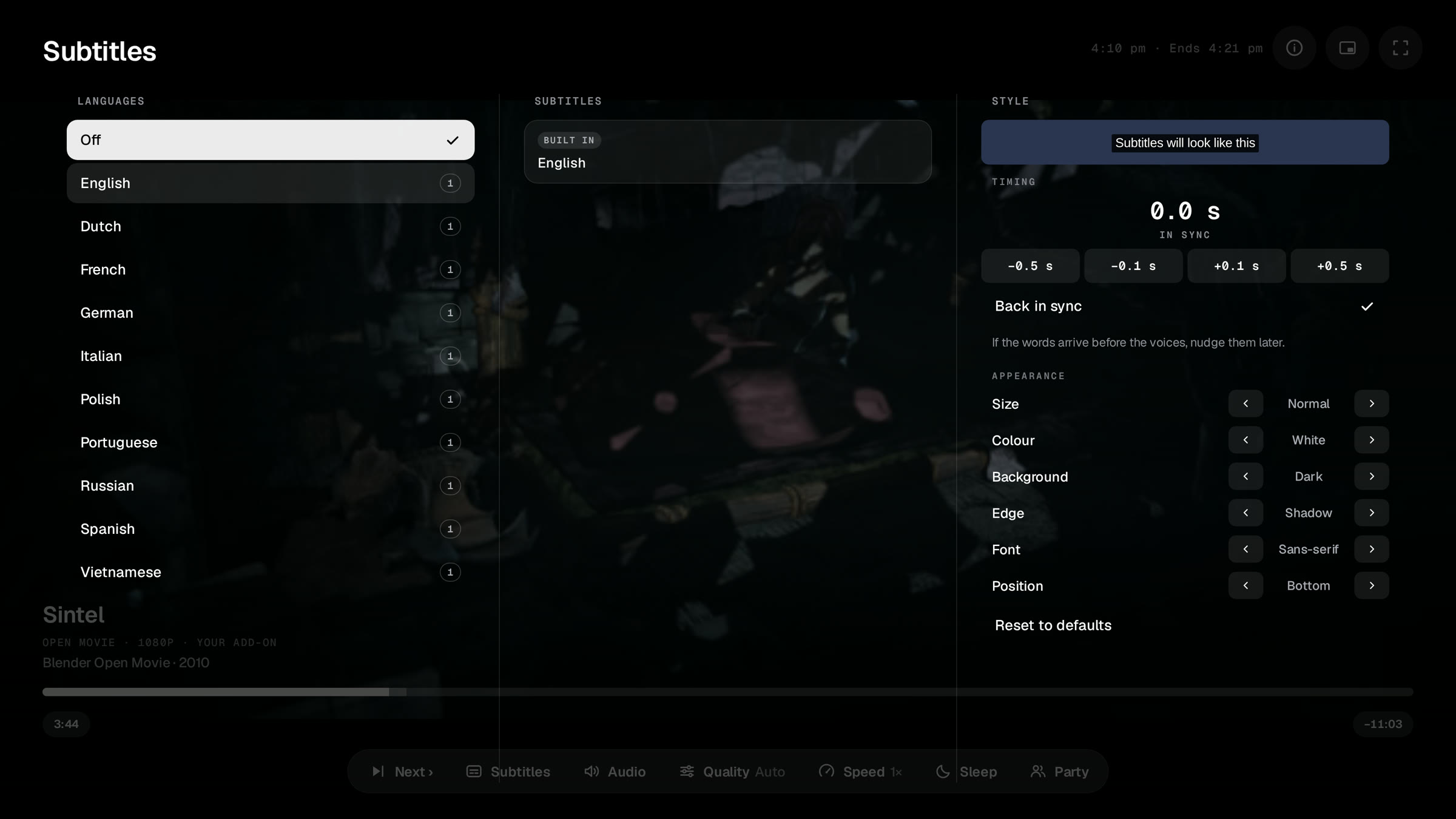
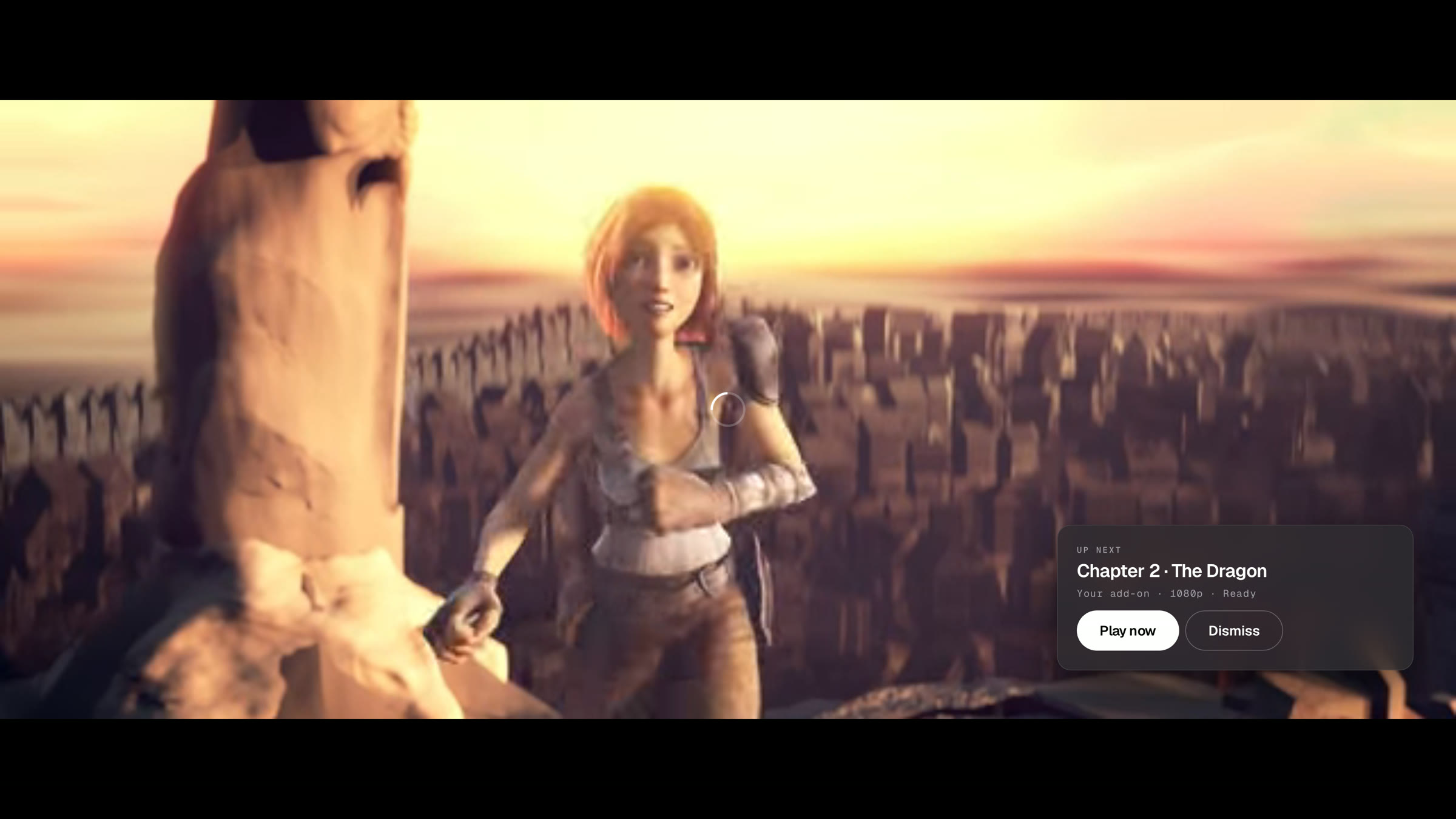
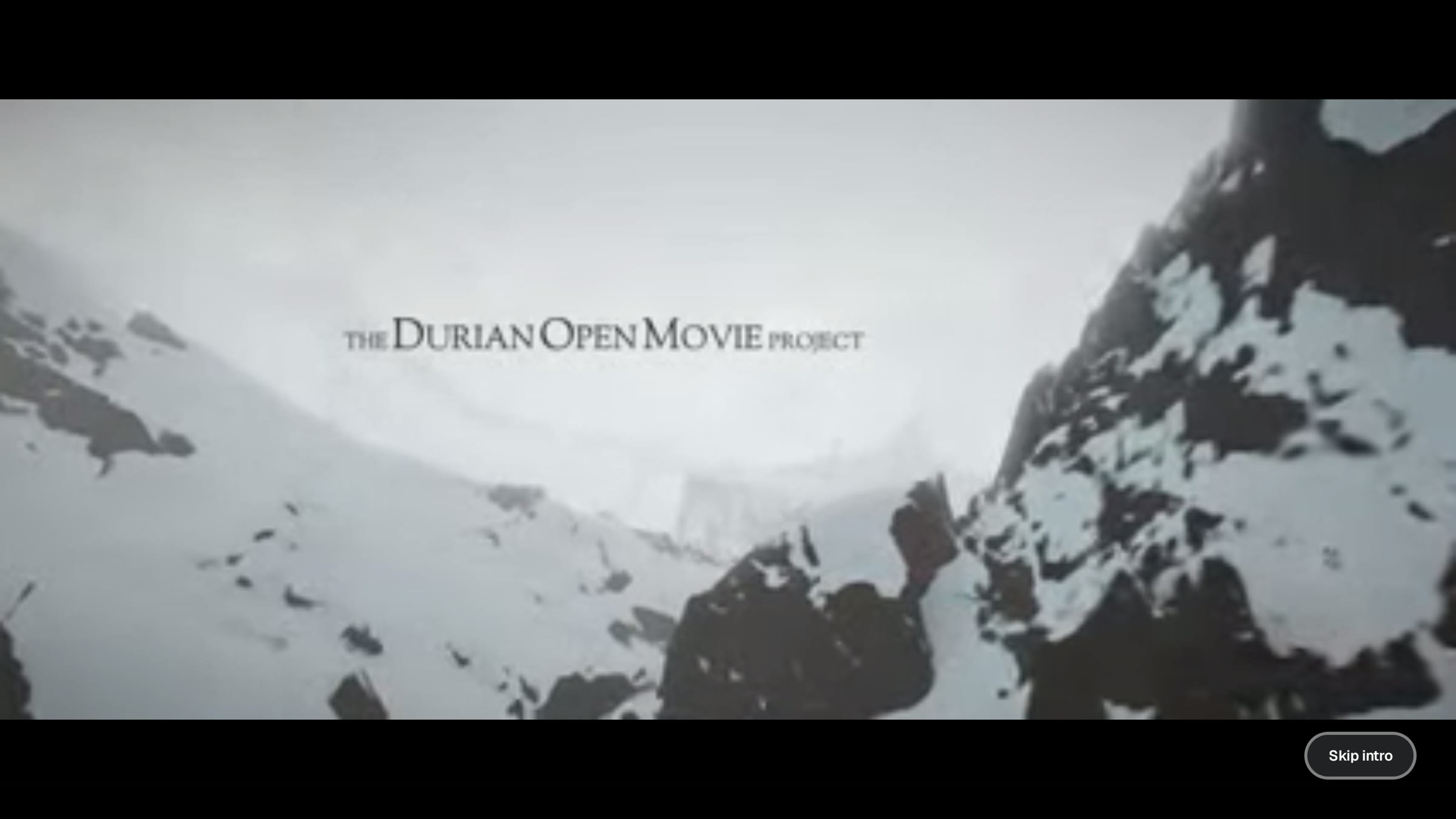
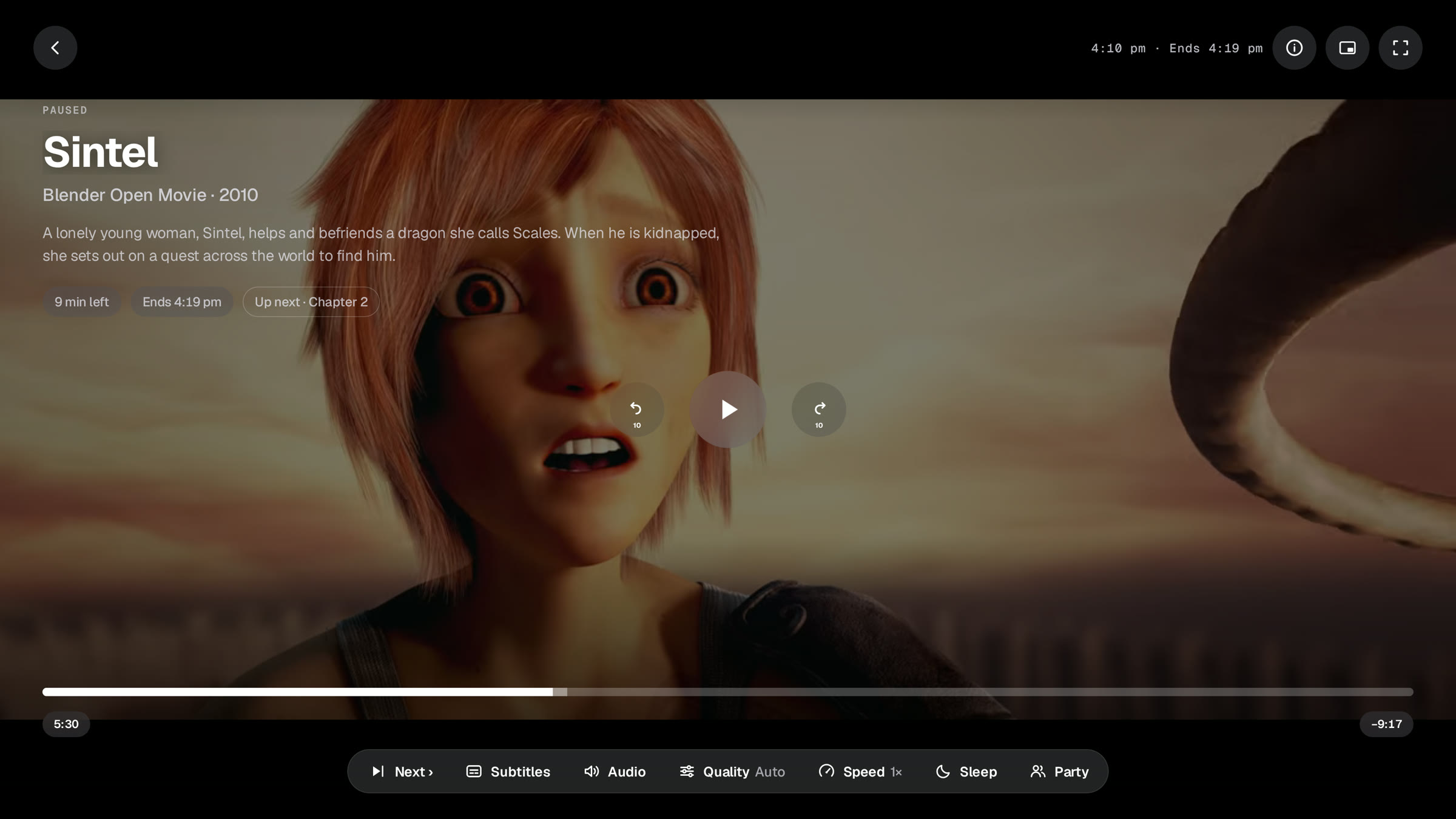
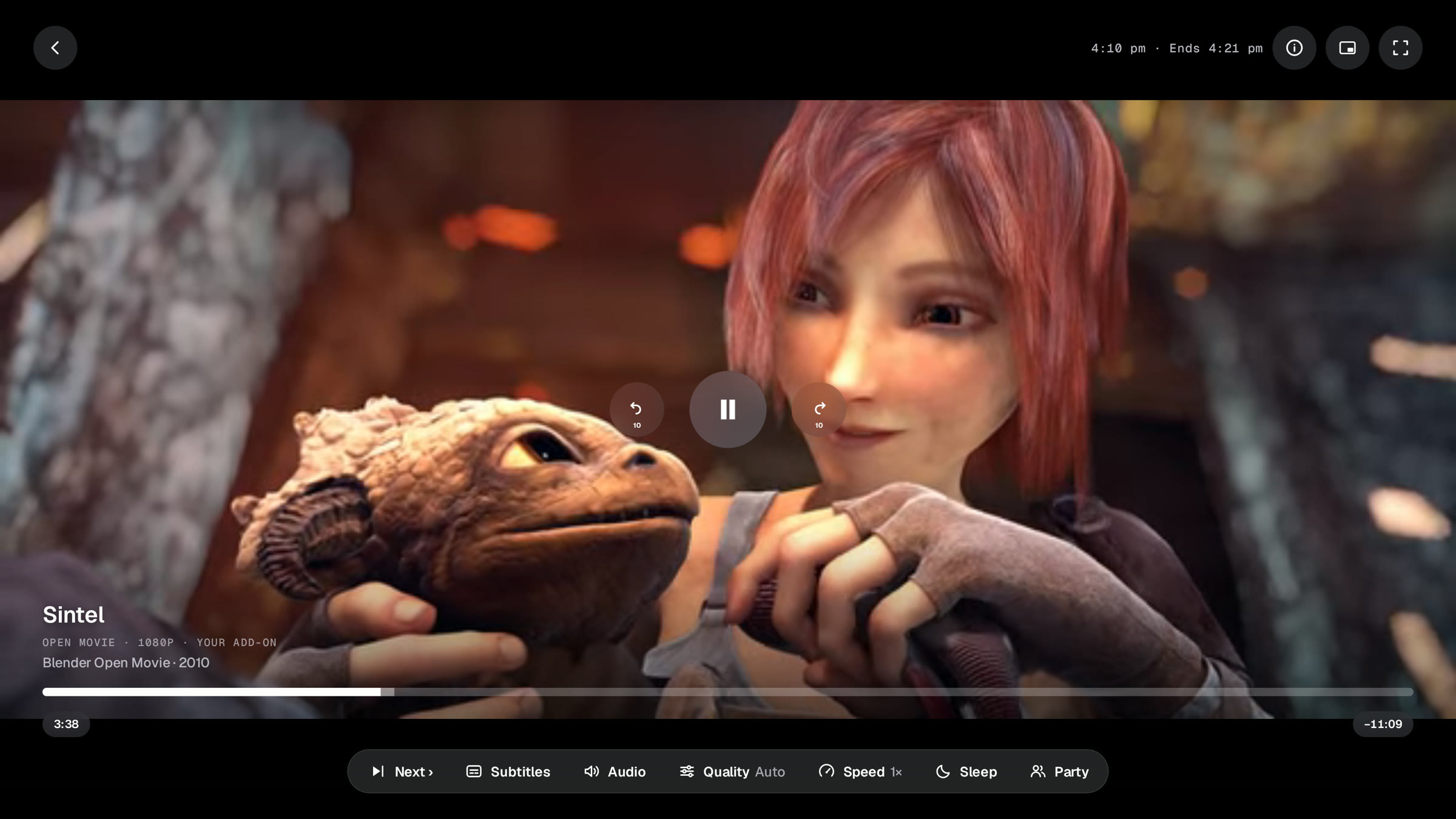
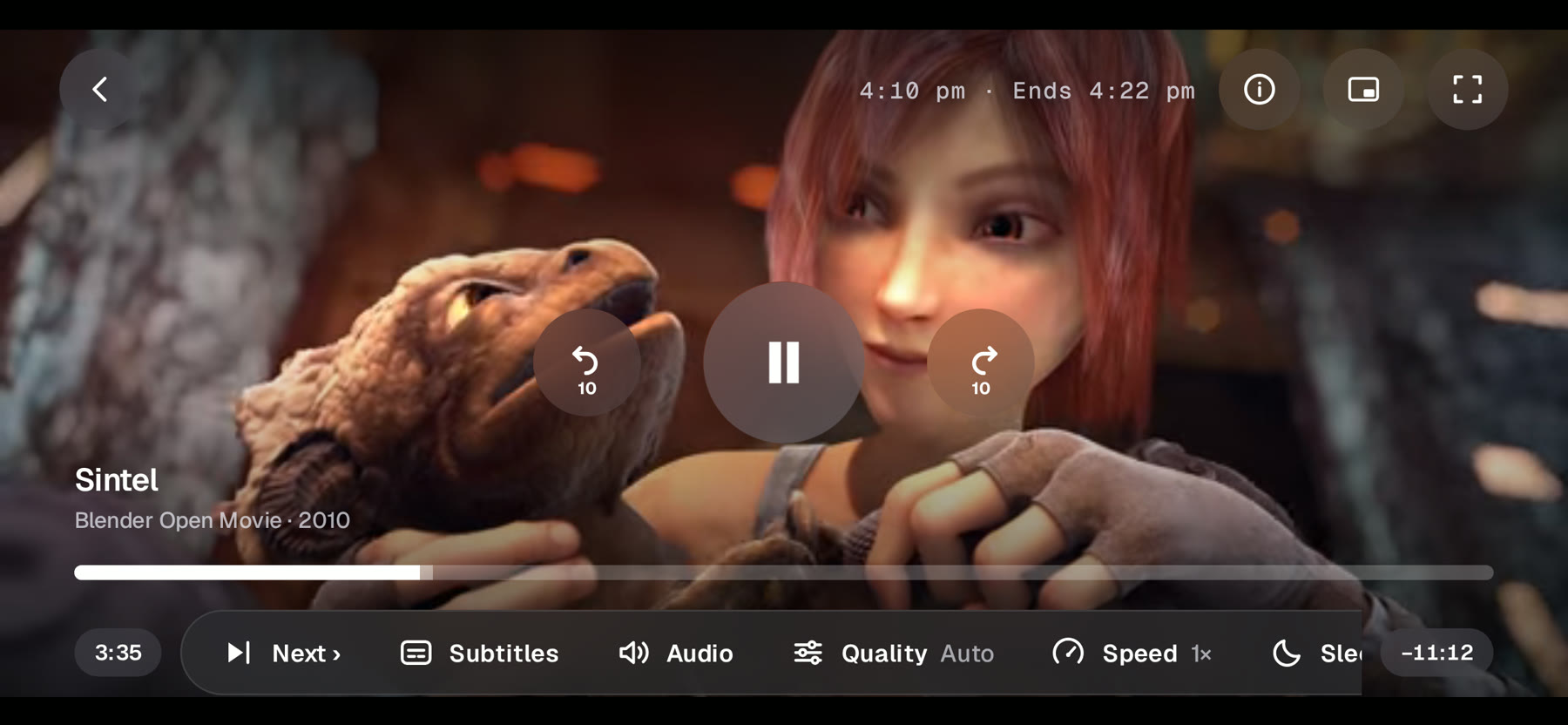
Add your add-on, browse its catalogs, press play. Plays and decrypts every format — right on the device, no proxy server.
Windows · Android · Android TV · LG webOS · Web
Pick your device. Installing over an older version keeps your add-ons and updates in place.
Android TV: in the Downloader app, enter this code:
7664693
Works with voice remotes too. Or type da.gd/nebulaapk — same APK.
7664693 (or da.gd/nebulaapk), then allow it to install unknown apps when prompted. (adb install works too.)https://retrocodes12.github.io/nebula-player/apps.json
Best in Chrome or Edge (they ship the required decryption module). Add-ons you add are saved in the browser.
Every stream decrypts locally through the platform's own DRM pipeline — no server-side decryption, no re-streaming proxy.
Paste any add-on's manifest.json once, then browse its catalogs and streams like a real streaming app.
On a TV, adding an add-on is one QR scan — open the pairing page on your phone, paste the URL there, done. No typing with the remote.